Carmel Info Systems | IT Infrastructure, Cloud, Cybersecurity & Software Development

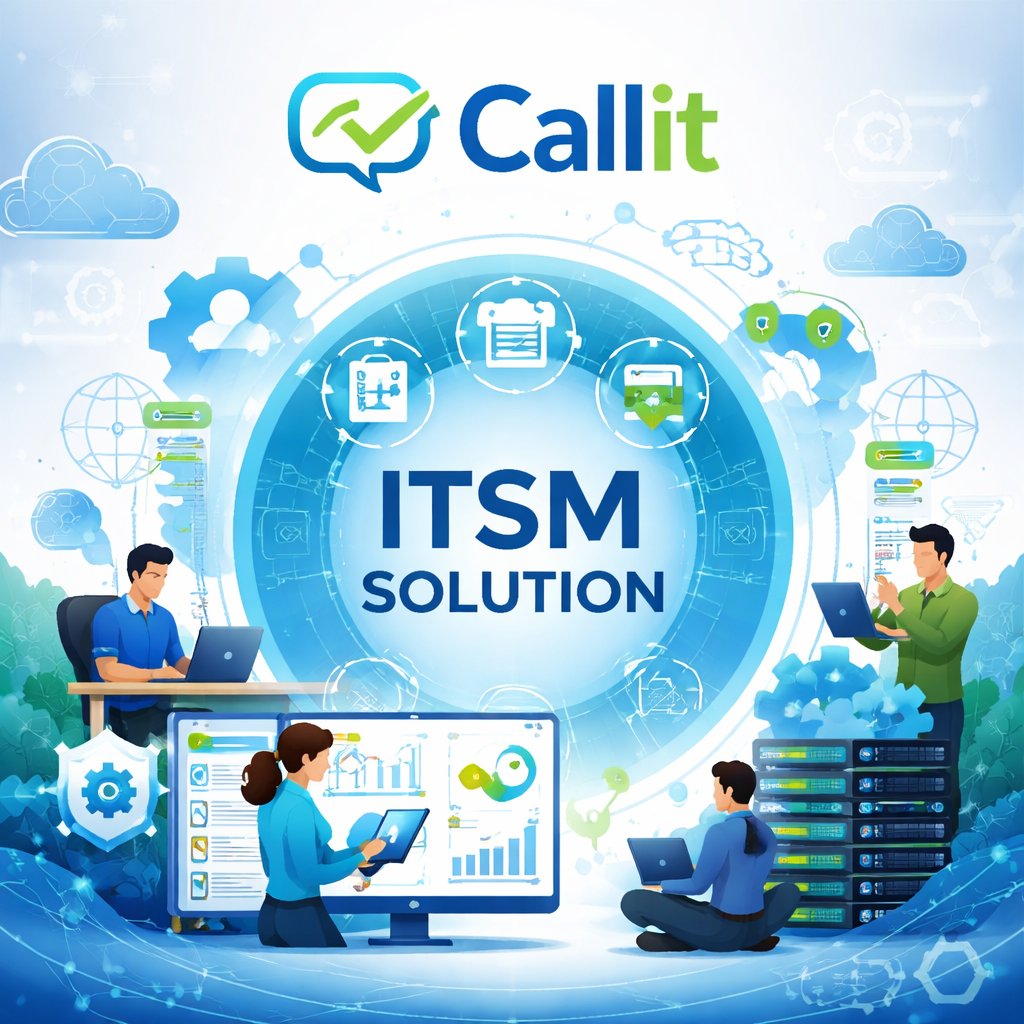
CALLit Intelligent IT Service Management (ITSM) Platform

CALLit

Core Helpdesk Capabilities

πŸ”

1. End-User Self-Service Portal

Employees or customers can securely log in to raise support tickets across multiple categories defined by the organization.

User access can be integrated with:

  • Active Directory authentication
  • Manual user creation and management

This ensures secure and convenient access for all users.

🧠

2. Smart Admin & Staff Management

The CALLit Admin Portal allows administrators to onboard support staff with role-based access control.

Tickets raised by users are automatically assigned based on:

  • Location
  • Skill set
  • Current workload

This intelligent routing ensures faster resolution times and balanced resource utilization.

🏒

3. Multi-Helpdesk Support

CALLit supports multiple internal service desks within the same platform.

Examples include:

  • IT Helpdesk
  • HR Helpdesk
  • Administration Helpdesk

Tickets are automatically routed to the correct team based on category and staff roles.

⏱️

4. SLA-Driven Ticket Management

Administrators can monitor and control the complete ticket lifecycle aligned with predefined Service Level Agreements (SLAs).

Features include:

  • SLA monitoring
  • Ticket reassignment
  • Escalation management
  • Staff availability handling

This ensures consistent and measurable service delivery.

πŸ“‹

5. Full Activity Logging & Notifications

Every action performed by support staff is automatically:

  • Logged in the system
  • Visible to both the ticket owner and administrators
  • Accompanied by automated email notifications

This provides full transparency, accountability, and audit tracking.

βœ…

6. Approval Workflow for Service Requests

For service requests requiring authorization, CALLit provides automated approval workflows.

The system:

  1. Sends approval requests to department heads
  2. Allows approval via secure links
  3. Updates ticket status automatically once approved

This ensures requests move forward quickly and securely without manual follow-ups.

πŸ“Š

7. Visual Dashboards & Reports

CALLit provides interactive dashboards and analytical reports that help management track performance and service efficiency.

Dashboard insights include:

  • Tickets by location
  • Tickets by category
  • Tickets by engineer
  • SLA performance

Built-in reports include engineer performance and service desk efficiency reports.

πŸ–₯️

Tangible Asset Management

Track and manage physical assets such as:

  • Desktops
  • Laptops
  • Printers
  • Network devices
  • IT peripherals
πŸ’Ώ

Software Asset Management

Maintain visibility over:

  • Software licenses
  • Installed applications
  • Deployment locations

This helps ensure compliance and license optimization.

πŸ”„

Asset Assignment & Returns

CALLit allows IT teams to:

  • Assign assets to employees
  • Record asset returns
  • Maintain a complete transaction history

This ensures accurate asset ownership tracking.

πŸ“¦

Centralized Asset Movement Logs

Track the IN / OUT movement of assets across:

  • Multiple IT stores
  • Branch offices
  • Company departments

Every movement is logged for full accountability.

βš™οΈ

Configuration Management

CALLit enables structured asset commissioning and decommissioning across environments such as:

  • Data center racks
  • Server rooms
  • Branch offices
  • Retail outlets
πŸ“

Change Request Management

IT teams can create change requests with multi-level approvals.

The system automatically:

  • Sends notifications to approvers
  • Records risk assessments
  • Allows execution only after complete approval

This helps organizations maintain controlled and compliant IT changes.

πŸ“Š

Asset Dashboards

Interactive dashboards provide real-time visibility into assets by:

  • Location
  • Asset type
  • Asset status
  • Assigned users
πŸ”³

QR Code–Based Asset Tracking

Each asset can be assigned a unique QR code with printable labels.

Users can instantly view:

  • Asset details
  • Ownership
  • Location
  • Service history

This simplifies asset audits and inventory management.